Help Centre / Apps and tools
How to install the SellerFuse Chrome extension and log in
Add SellerFuse for Chrome from the Chrome Web Store, pin it to your toolbar and log in, ready to see your profit on Amazon product pages.
Why sellers use it
- See your real fees, profit and ROI on Amazon.co.uk product pages while you source.
- Installs from the Chrome Web Store and updates itself.
- Logs in with your SellerFuse email and password, so it uses your own costs and VAT settings.
Sourcing means checking a lot of products quickly. Copying prices into a calculator for each one is slow, and generic calculators do not know your VAT position or what you usually pay. SellerFuse for Chrome puts your profit right on the Amazon product page. Installing it takes about a minute.
Before you start
- You need Google Chrome on a computer.
- The Amazon tools need your Amazon account connected to SellerFuse. See how to connect your Amazon account.
Where to find it
In the menu, open Tools, then Chrome Extension. The page is called Sellerfuse for Chrome and has a walkthrough video and the install steps.
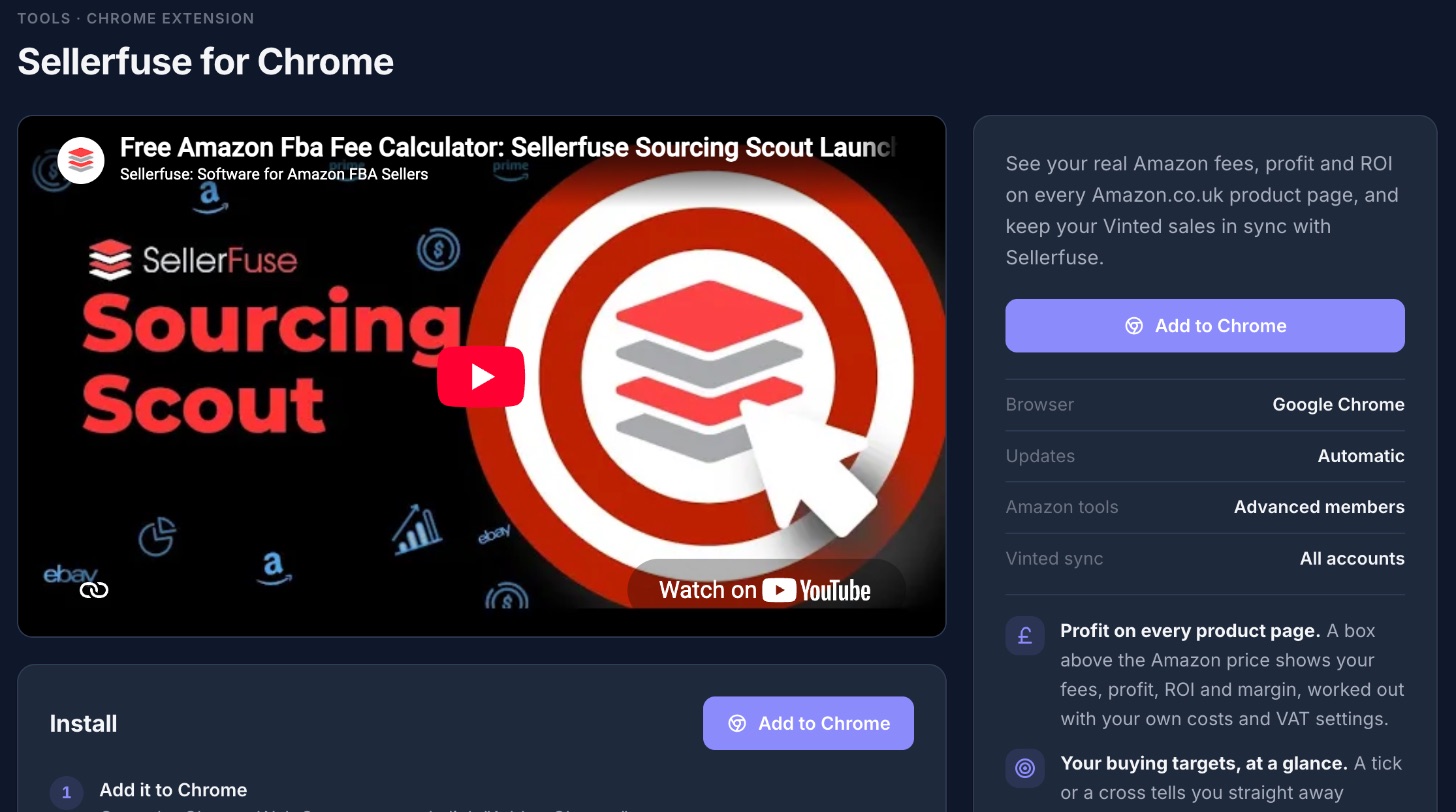
1Add it to Chrome
Click Add to Chrome. The Chrome Web Store opens. Click Add to Chrome there and confirm.
2Pin it to your toolbar
Click the puzzle piece icon at the top right of Chrome, then the pin next to Sellerfuse. The SellerFuse icon now sits in your toolbar.
3Log in
Click the SellerFuse icon and log in with your SellerFuse email and password.
4Open an Amazon product page
Go to any product on Amazon.co.uk. A SellerFuse box appears above the price. Type your cost to see your profit, ROI and margin, or click Full details to open the full panel at the side of Chrome. See how to check profit on Amazon pages with the Chrome extension.
Updates
Updates install automatically from the Chrome Web Store. If you added SellerFuse from a downloaded zip file before it was on the Chrome Web Store, remove that copy in chrome://extensions and add it from the Store instead, so you get updates.
Privacy
The extension runs on Amazon.co.uk. On other websites it only reads the page when you open SellerFuse there or use its right click lookup.
Common questions
Does it work in other browsers?
The extension is made for Google Chrome on a computer.
How do I log out?
Open the panel, go to Settings at the bottom, and use Log out of the extension.
Does it cost extra?
No. It is included with your SellerFuse membership.
Still stuck?
Members get priority live chat from inside SellerFuse, from our UK team. Not a member yet? Ask in our Discord community, which is open to everyone.